Prabath Wijayantha
Freelance Illustrator
Keyshot- Stylized Fire
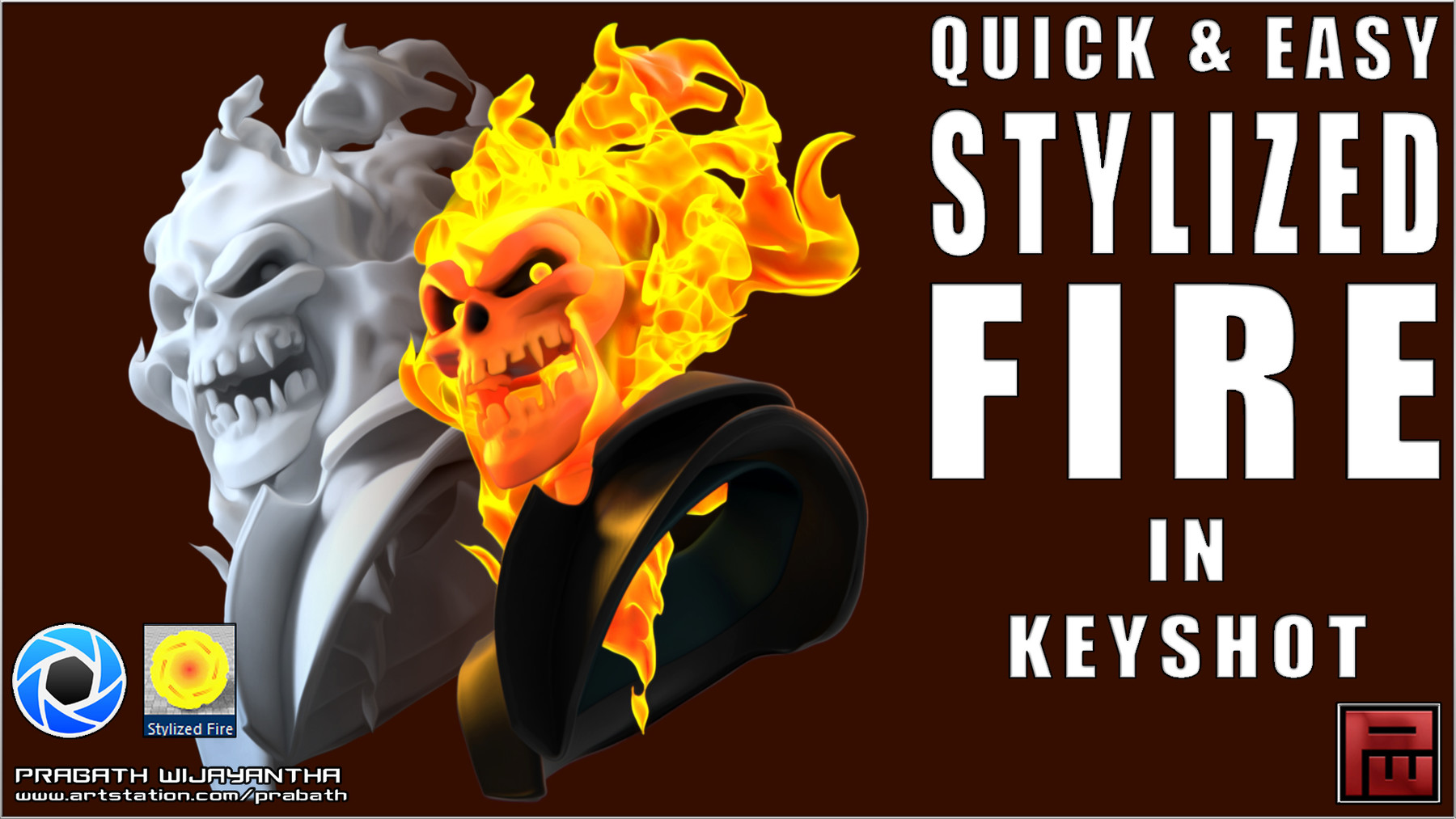
In this mini tutorial you will learn how to create a stylized fire material using only Keyshot 9.You will learn how to make your own Keyshot fire material that is easily customizable in a few quick & easy to follow steps.This tutorial requires a fair working knowledge of Keyshot and preparing your models for import.
While I am using the Zbrush-to-Keyshot Bridge, you can easily complete the steps without it and for best results it is recommended that you use geometry that complements the final element we are looking to create, i.e. Fire.
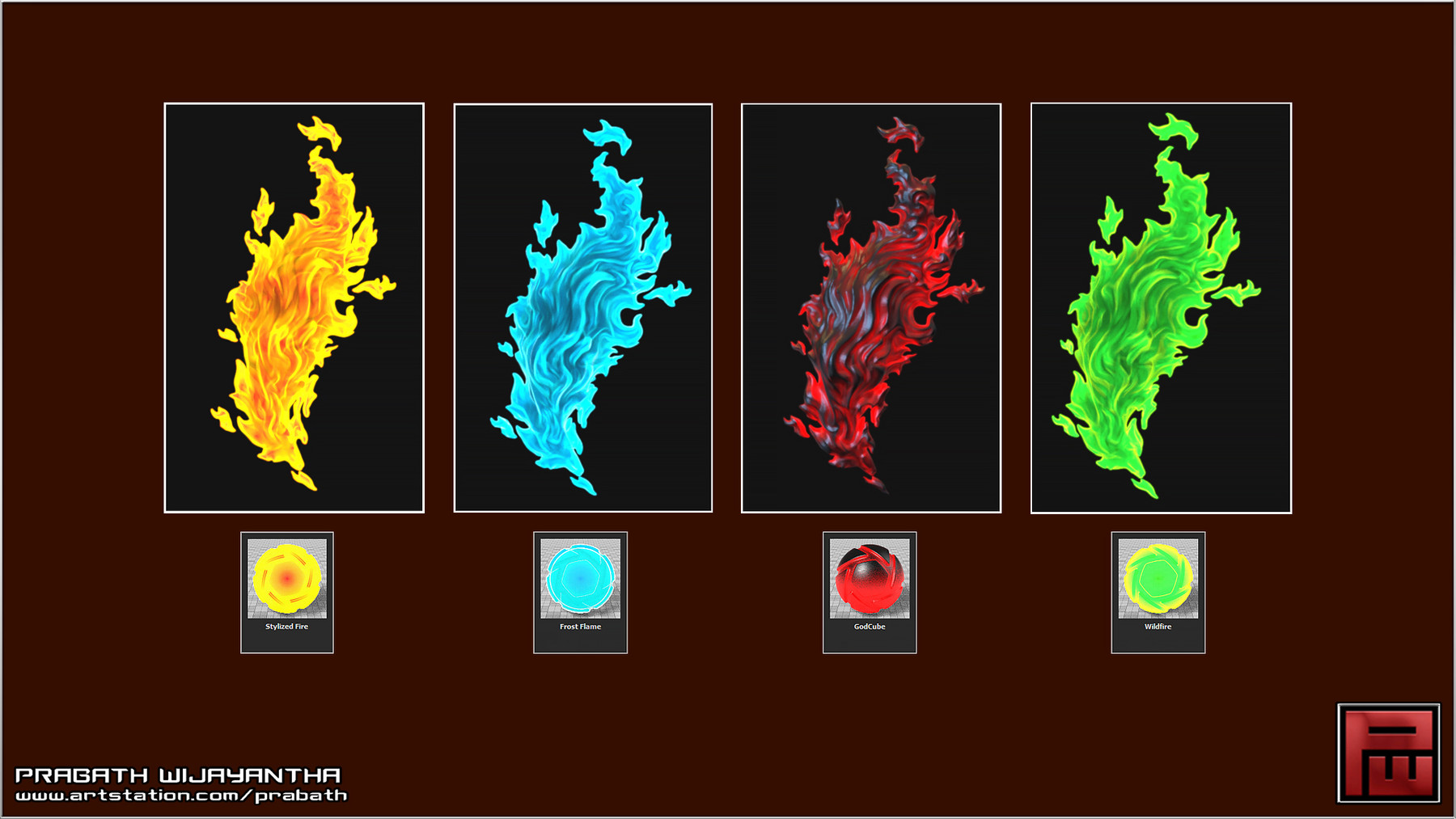
As a bonus I have included 4 Keyshot materials made with the same method with the PDF file for you to use freely and edit further.